
Your notes, now you can ask them.
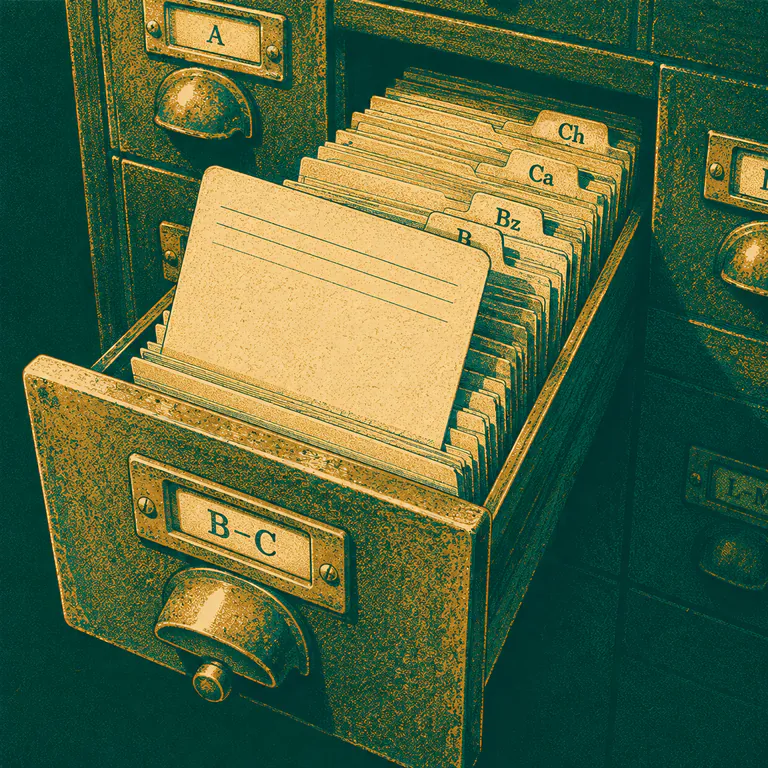
The definition is in the book somewhere. Twenty minutes of flipping later it is 10:40 and you have found the diagram but not the paragraph. Pull up the right material in seconds, then ask Vidya about it in plain language and get an answer grounded in the page in front of you.


- Search
- All materials
- Notes + videos
- Ask
- In plain words
- Your
- Syllabus
Many
Scattered sources
A textbook, a photocopied set of notes, two handouts and a camera roll of blackboard photos. The paragraph you need exists in one of them. Finding it at nine the night before a unit test is its own exhausting subject, and it is not one you get marks for.
books, notes, handouts
Find, then understand
From "where is it" to "now I get it"
The library makes every note, handout and recording findable in seconds. Once you have the right material open, you do not have to decode it alone - hand it to Vidya and turn a dense paragraph into a clear explanation.
- Search by title, subject or topic instantly
- Open PDFs and videos in a built-in viewer
- Ask Vidya to explain the part you are stuck on
24
Resources · filtered to Science
Answers from your own material
A tutor who has read your notes
General answers are fine, but answers grounded in your own class material are better. Open the resource, ask your question, and get an explanation that matches what your teacher taught and what your exam will ask.
- Explanations tied to the topic in front of you
- Plain language, in English or Nepali
- Stays inside the NEB / SEE syllabus
How it works
Find it, open it, ask it
Search your library
Look up the note, PDF, video or handout you need by title, subject or topic - and filter to the exact chapter.
Open the material
View it right inside the app with the built-in viewer, whether it is a PDF, image or video.
Ask Vidya
Hand any confusing part to Vidya for a plain-language explanation, grounded in the topic you are studying.
What it does
A study library you can actually question
Bring your resources together, find the right one instantly, and ask about it like you would ask a tutor - instead of skimming pages hoping the answer jumps out.
Search every resource
Find any study material by title, subject or topic in seconds. No more scrolling a chat for that one PDF a teacher shared three weeks ago.
Notes, PDFs, videos and more
Your library holds teacher-uploaded notes, textbooks, PDFs, images, audio and videos - organised by subject and topic so everything has a home.
Ask Vidya about it
Found the material but still confused? Ask Vidya to explain it in plain language, in English or Nepali, grounded in the topic you are looking at.
Grounded in your syllabus
Answers stay relevant to the NEB and SEE topics you study, rather than wandering off into material that will never appear in your exam.
Built-in document viewer
Open PDFs, images and videos right inside the app without juggling downloads - read the note and ask about it in the same place.
Your library brings together teacher-uploaded notes, textbooks, PDFs, images, audio and video resources, plus homework files and school notices - all organised by subject and topic so everything is easy to find.
Updated June 2026 · A Gurukul guide for Nepali SEE & NEB students
Further reading
Go deeper on the ideas behind it
Trusted, independent sources on the curriculum, the learning science and the tools this feature is built on.
Curriculum Development Centre Nepal
Official source for NEB and SEE study materials and curriculum.
Active recall (Wikipedia)
Why asking questions of your material beats passive reading.
Note-taking (Wikipedia)
How good notes become a resource you can learn from.
National Examinations Board
The body that sets the exams your materials prepare you for.
Start today
Start learning for free today
Create a free account and get 100 credits to try the AI tutor, practice quizzes, study plans and more - no card, no subscription.